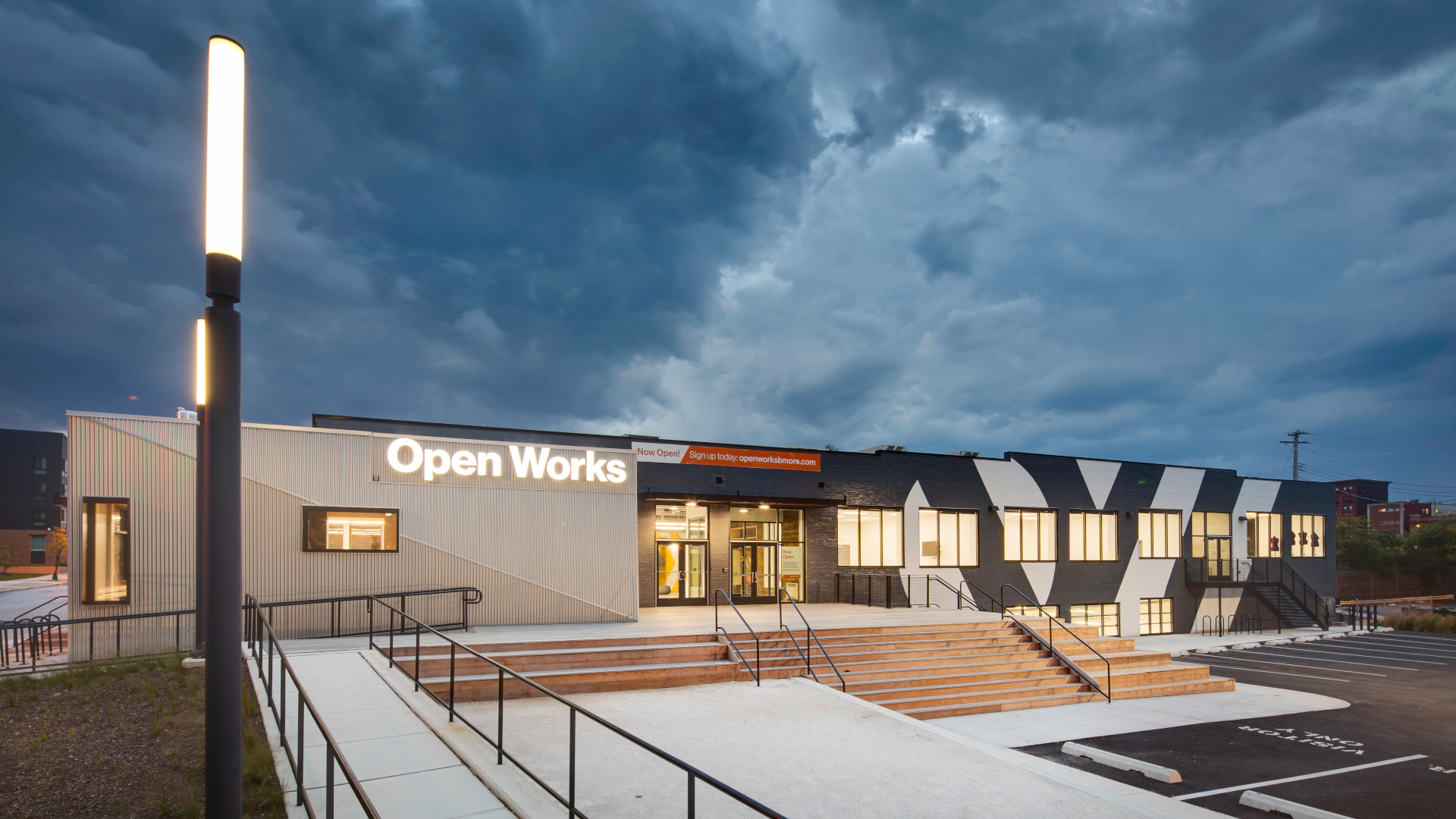
Virtual Open Works is makerspace education on your device, wherever you are. Explore machine guides, operation tutorials and create projects from start to finish with the help of our visual step-by-step instructions and videos.
¶ What do you want to do?
¶ Get Tips & Tricks
The purpose of these resources is to be a quick reference to help you on your making journey, without getting in your way!
- Videos
- Wiki
¶ Try a Guided Project
The purpose of the guided projects is to help you understand the workflow and how the tips and tricks fit into the context of a project.
- Written & Photographed Tutorials
¶ Tool Index
This area is a work in progress, please bear with us! Thank you!

¶ Vinyl Cutting & Die cutting
Text based guides, references, and projects for Cricut.
Video guide for Cricut. (Coming soon)
Wiki assistance for the large format vinyl cutter.

¶ 3D Printing
Text based guides, references, and projects for Bambu.
Video guide for Bambu. (Coming soon)
Wiki assistance for Creality Ender-3 V3s.
¶ Laser Cutting
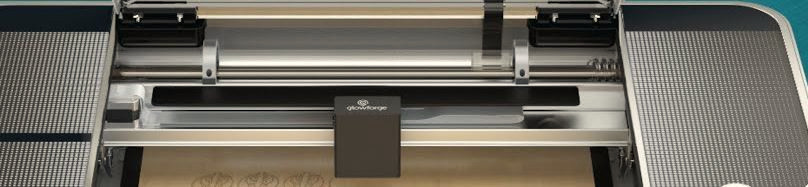
Text based guides, references, and projects for Glowforge.
Video guide for Glowforge. (Coming soon!)
Wiki assistance for the Boss lasers.


¶ Kerf and you(r project)!
Text based guides and references.
Video guide about kerf. (Coming soon!)
Wiki assistance for the Boss lasers.
¶ All about Wood
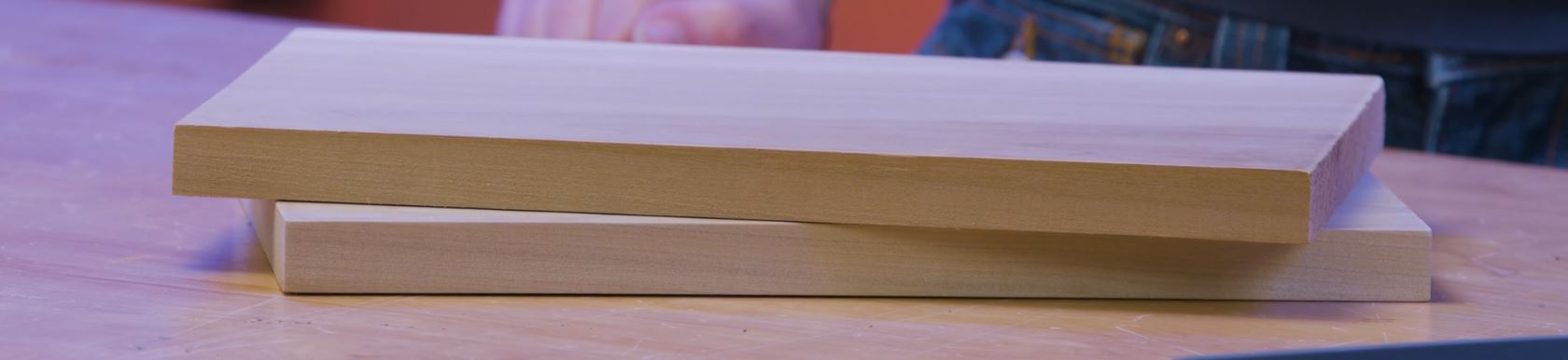
Video guide about the material properties of wood. (Coming soon!)
Wiki assistance for the wood shop tools.
¶ And more! as the project continues!
¶ How to use VOW
VOW offerings are available here on the wiki, as well as on Teachable. On the wiki, it is easier to move around between topics. Teachable provides a more orderly lesson progression and tracks your progress. The materials may also be available offline in certain locations- look for a binder or packet in the area. The material is the same in all formats, within the limitations of the format.
There are two paths through the VOW offerings.
Some tools are designed to be used with little to no experience, such as the Cricut Vinyl Cutter and the Glowforge Laser Cutter. The materials for these tools start out with an easy project to get you familiar with the basics of using the tool. Then there are additional projects to demonstrate some of the capabilities, nuances, and limitations of the tools. Alongside the projects is a collection of step by step instructions, helpful tips, and reminders that can be referenced at any time.
Other tools are more difficult to use, substantially more dangerous, or the costs of making a mistake are much higher. These tools require that a safety class be taken at Open Works prior to being able to use the machine or even entering the area it is in. That safety class covers Project 1. After that, two more projects are available. Alongside the class and projects is a collection of step by step instructions, helpful tips, and reminders that can be referenced at any time.
